Linking notes helps you organize and connect ideas more effectively. To add a note link:
- Type
/and select “Linked note“ from the menu - Type
@or[[ - Copy a note's link and paste it anywhere
When you link to a note, a “Linked in“ section appears at the bottom of the referenced note, showing where it is mentioned.

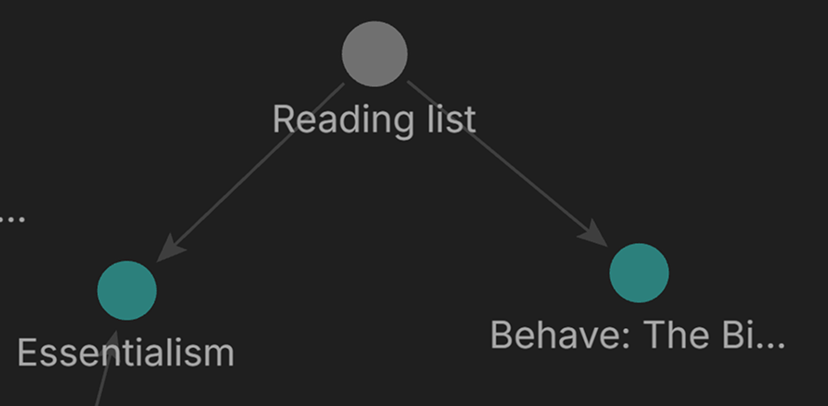
You’ll see all your connected notes visually in Graph view